UPS Small-Business Shipping Tools Need a Parcel Data Readiness Checklist

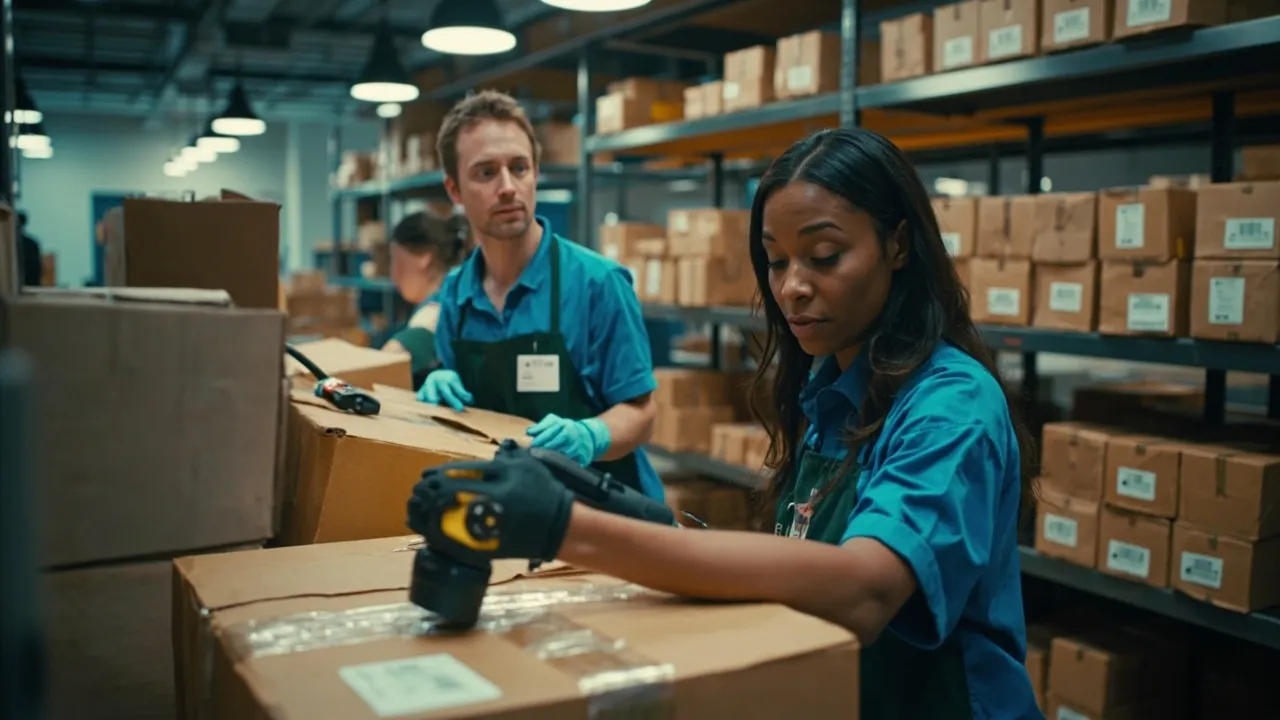
Simpler parcel software removes clicks. It does not remove the data decisions behind a label.
UPS is introducing digital tools intended to make pickups, label creation, and tracking easier for small and midsize businesses. The timing is significant: Supply Chain Dive reports that UPS average daily volume from small and midsize businesses rose 4.3% year over year in the second quarter. More growing companies will therefore be making transportation decisions without a dedicated parcel desk.
The new interface can accelerate good shipping data, but it can accelerate bad data too. An incorrect postal code, guessed package dimension, or missing residential flag can move from an ecommerce order to a purchased label in seconds. The result may be a correction fee, an accessorial charge, a late delivery, or a customer promise that was never feasible.
Before adopting faster self-service shipping, growing businesses need a parcel data readiness checklist.
Convenience depends on clean inputs
Logistics Management describes three practical changes in the UPS rollout: a consolidated pickup dashboard, a single-screen UPS.com shipping flow, and a redesigned mobile app connected to more than 5,500 UPS Store locations. Businesses can import orders from shopping carts and marketplaces, reuse label templates, scan tracking numbers, and request or cancel pickups according to actual shipping activity.
UPS says Smart Pickup can save a business up to 50% compared with scheduling a daily pickup. That is a real opportunity for a shipper whose daily volume fluctuates. Yet the saving depends on an accurate answer to a basic operational question: which packages will truly be ready, and when?
If the order system marks a shipment ready before inventory is picked, payment is cleared, or export documentation is complete, the pickup decision is wrong even when the dashboard works perfectly. Ease of use shifts the bottleneck upstream—from entering a label to governing the information used to create it.
Validate five data groups before buying a label
The readiness check should run when an order is released, then again before the label is purchased. Five groups of fields deserve explicit ownership.
1. Address data
Capture the recipient name, company, street lines, city, state or province, postal code, country, phone, and email in separate fields. Validate postal formats and country codes. Identify residential, commercial, rural, and restricted locations instead of asking a packer to infer them.
Apartment, suite, building, floor, and dock details should survive the path from checkout to carrier request. A corrected label is cheaper than a failed delivery, but validation before purchase is cheaper than both.
2. Package data
Store actual length, width, height, weight, packaging type, quantity, and units of measure. Do not let a product weight masquerade as packed weight. Cartons, void fill, inserts, and bundled items change the shipment presented to the carrier.
Create governed packaging profiles for repeat configurations, then audit them periodically against scale and dimensioner readings. A reusable template is powerful only when its measurements remain true.
3. Service data
Record the requested delivery date, eligible services, signature requirements, declared value, Saturday eligibility, return method, and any temperature or handling constraint. Separate what the customer selected from what operations purchased. That distinction makes substitutions visible and supports later cost analysis.
Service rules should also consider carrier cutoff, pickup readiness, origin calendar, destination calendar, and transit time. Selecting a faster service after cutoff does not rescue an already missed operating day.
4. Accessorial data
Residential delivery, delivery-area status, additional handling, large-package conditions, address correction, signature, and pickup charges can materially change the final bill. Capture the attributes that trigger them before rate comparison, rather than discovering them during invoice audit.
When a charge appears, retain the original request, label record, carrier scan events, measured dimensions, and final invoice line. That evidence distinguishes a valid operational cost from a preventable data defect.
5. Customer-promise data
Keep the order timestamp, promised date, promised service level, ship-by deadline, and customer communication status together. A tracking number is not proof that the promise is safe. The shipment must receive an acceptance scan in time for the purchased service to perform.
The importance grows with volume. Inbound Logistics documented one small business that expanded from a handful of daily orders to more than 4,000 domestic and international shipments per month. At that scale, an error rate of just 1% means more than 40 shipments require intervention every month.
Turn the checklist into release controls
A checklist should not become another document employees remember only after a problem. Convert its highest-risk items into system controls:
- Block label purchase when required address fields fail validation.
- Compare packed measurements with the selected packaging profile and flag material variance.
- Prevent service selection when the promised date, carrier transit, and pickup cutoff conflict.
- Require approval for declared-value, signature, international, or unusual-handling exceptions.
- Reconcile order, label, pickup, acceptance scan, delivery, and invoice records through one shipment identifier.
Track first-pass label accuracy, address corrections, dimension adjustments, accessorial spend, voided labels, missed pickups, and delivery-promise failures. Review defects by source system and workflow, not only by the employee who clicked “ship.” If marketplace imports create incomplete apartment fields or an old template contains the wrong carton size, the process needs repair.
Prepare now for a TMS connection
Small businesses do not need enterprise complexity to establish good parcel controls. They do need stable field definitions, governed templates, timestamps, and identifiers. Those foundations make it possible to add carriers, compare services, audit invoices, analyze exceptions, and eventually connect parcel execution to a transportation management system without rebuilding the order data model.
UPS is making the shipping interface easier. Growing shippers should use that saved time to make the underlying data more disciplined. The winning workflow is not merely faster label creation; it is a correct label, matched to a ready package and a defensible customer promise, on the first attempt.
CXTMS connects orders, shipment attributes, carrier services, milestones, costs, and exceptions in one transportation record. If parcel growth is exposing gaps between checkout data and shipping execution, request a CXTMS demo to build a scalable, audit-ready workflow.